Start with a real-life situation
Two devices look identical, but serials, start dates or coverage differ. To ask how much warranty remains, first identify the exact unit—not just its product family.

1. Identify the exact device
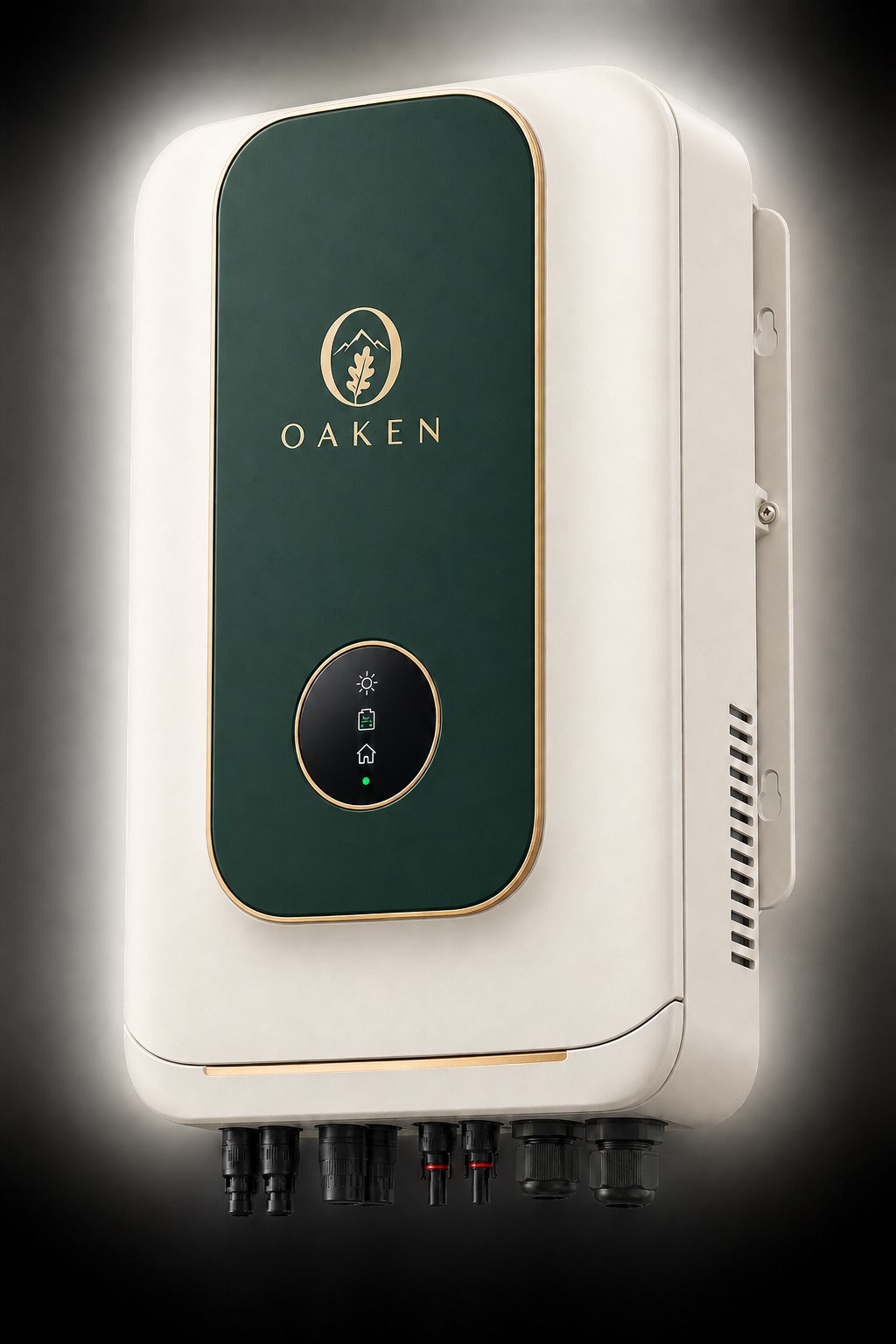
Match OAKEN code and manufacturer serial on the nameplate or handover record to the order. Keep invoice, delivery date and installation record together. If an identifier is unreadable or missing, ask support to review the record before assuming coverage.
2. Separate period from coverage
An end date alone does not define covered parts or costs. Read the exact model and contract terms for start conditions, exclusions, freight, labour and claims. Product warranty, module performance warranty and project service can be separate documents.
3. File a reviewable service request
Record event time, fault code, conditions and safe exterior photos. The OAKEN warranty page lets you check the recorded status by code or serial and start a service route. Do not open live equipment for photos or submit credentials in a public form.
4. Retain a complete service history
Keep case reference, diagnosis, replacement part, date and test result. This history helps later troubleshooting and remaining-coverage review. If the site differs from real evidence, an authorized person should correct the record with an audit trail.
Check before deciding
- OAKEN code, serial and exact model
- Purchase, delivery and installation evidence
- Fault description, timestamp and case number
CHECK YOUR UNDERSTANDING
A quick knowledge check
Sources & scope
- U.S. DOE SETO · A Consumer’s Guide to Buying a House with Solar Panels
- U.S. DOE FEMP · Operate and Maintain a Photovoltaic System
Named technical review has not yet been recorded.
Preliminary guidance. Structural, safety and construction approval requires the responsible engineer and final model documents.